Getting started as a staff member
Sign in, see your bookings and mark jobs complete.
4 steps · about 2 minutes
-
1
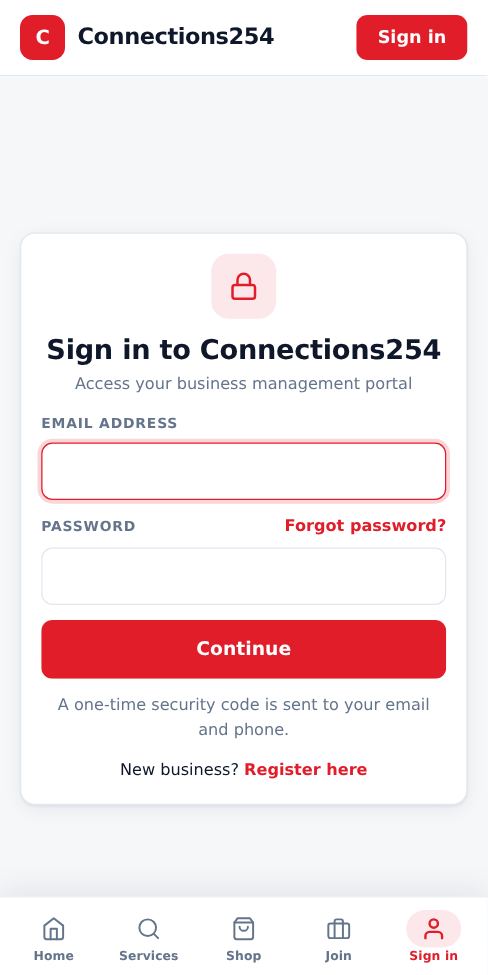
Sign in
Use the email and temporary password the business owner sent you. Enter the security code sent to your phone or email, then set your own password.
-
2
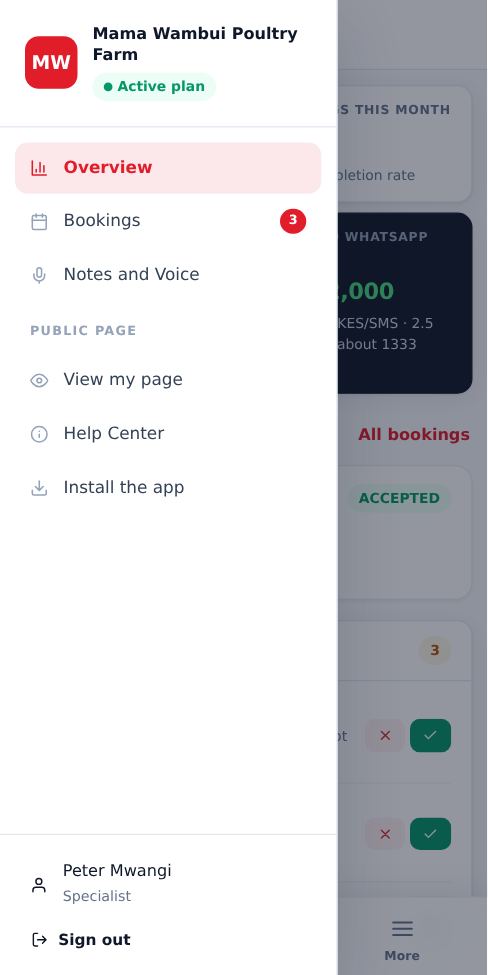
Your menu
You only see the menus your owner allowed, for example Overview, Bookings and Notes. If you need access to something else, ask the owner.
-
3
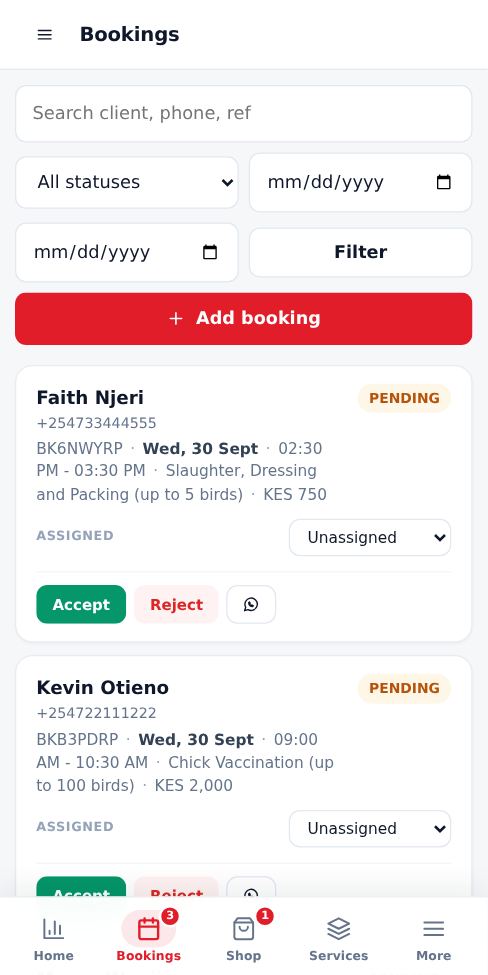
Work your bookings
Open Bookings to see jobs assigned to you. Call or WhatsApp the customer from the booking card, and mark the job complete as soon as you finish so the time opens up for others.
-
4
Keep notes
Use Notes and Voice to record job details, materials used or follow-ups.
Good to know
- Sign out on shared phones or computers.
- Only one account can be signed in on a browser at a time.
More guides for staff
Did this answer your question?
If not, contact our support team. WhatsApp is the fastest.