How to order a product from the Shop
Browse products from local sellers and order directly on WhatsApp, by phone or with a call-back request.
-
1
Open the Shop
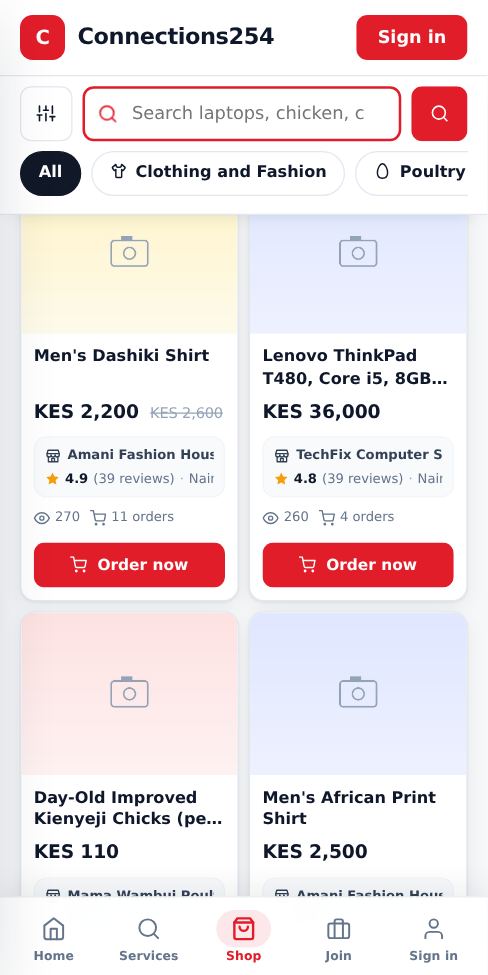
Tap Shop in the bottom menu (or the top menu on a computer). Search for what you want, or tap a category such as Poultry and Farm, Clothing and Fashion or Computers and Laptops.
-
2
Narrow it down with filters
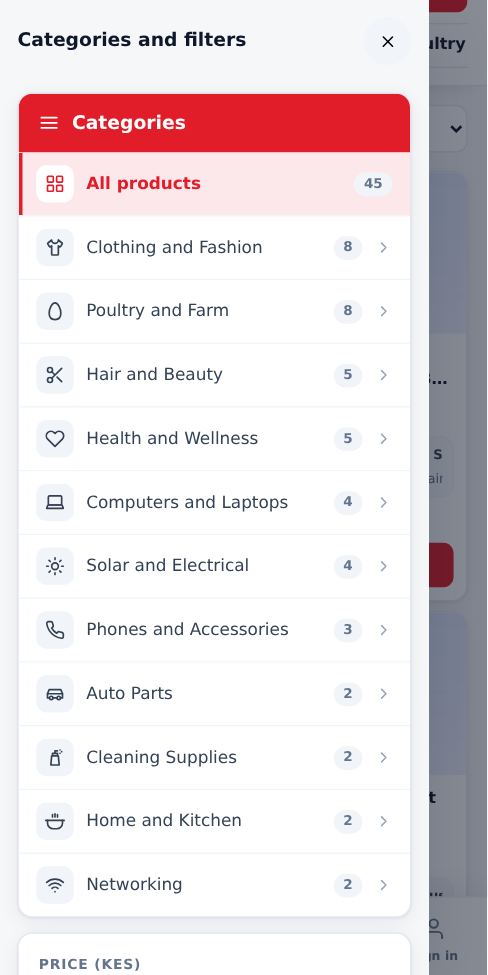
Tap Filters to set a price range, location, seller rating, in-stock only or items on offer. On a computer, categories and filters stay on the left side of the page as you scroll.
-
3
Check the product and the seller
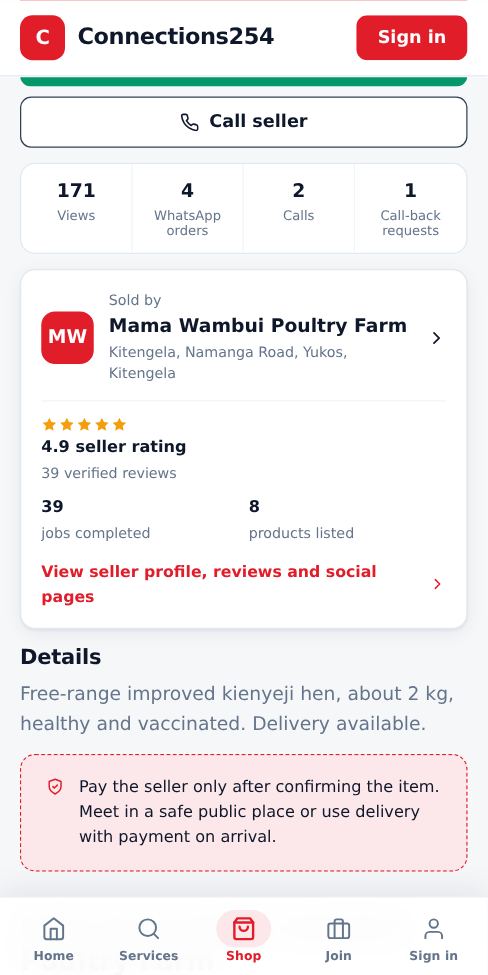
Open a product to see the full details, how many people viewed and ordered it, and the seller rating. Tap the seller card to see their profile, verified reviews and social pages.
-
4
Tap Order now
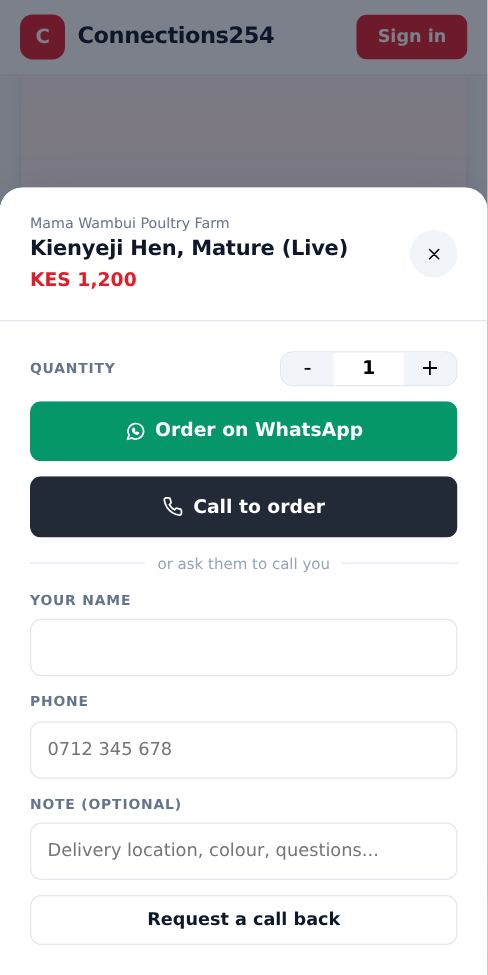
Choose the quantity, then pick how to order: WhatsApp opens a ready-written message to the seller, Call dials them, or fill in your name and phone to ask the seller to call you back.
- Pay the seller only after you confirm the item. Meet in a safe public place, or use delivery with payment on arrival.
- Connections254 does not take payment for shop orders. You deal with the seller directly.
More guides for customers
Did this answer your question?
If not, contact our support team. WhatsApp is the fastest.